Skip to content

Release notes 1.13

Mochacos Release Notes 1.8

    Release Notes

    This release introduces several enhancements that make Mochadocs Manage more flexible, structured, and easier to navigate., Pagination improves performance when working with larger datasets, while contracts can now be cancelled before their start date. Relations can be enriched with visible and editable metadata fields, contracts can be added to or removed from portfolios, and object links are now integrated directly into the contract hierarchy. Together, these improvements provide users with more control over contract information, relationships, portfolios, and navigation.

    •  

    Release Notes

    New Features and updates


    1. Pagination

    Pagination improves navigation and performance when working with larger volumes of information. Instead of loading all records at once, information is divided across multiple pages. This makes lists faster to load, easier to navigate, and more manageable for users.

    Pagination
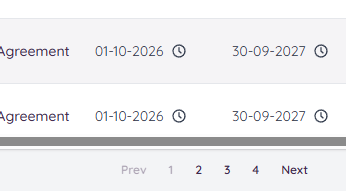
    Door de contracten scrollen


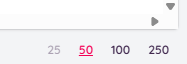
    Total number of contracts per page

    Total in the batch


    2. Cancel Contract Before Start Date

    Contracts can now be cancelled before their official start date. This supports situations where an agreement has been registered in Mochadocs but is withdrawn or cancelled before becoming active. The contract remains available for historical and reporting purposes with the appropriate cancelled status.


    Future start date
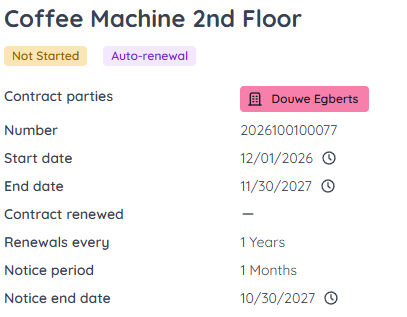
    Agreement with future start date


    Termination before start of the contract
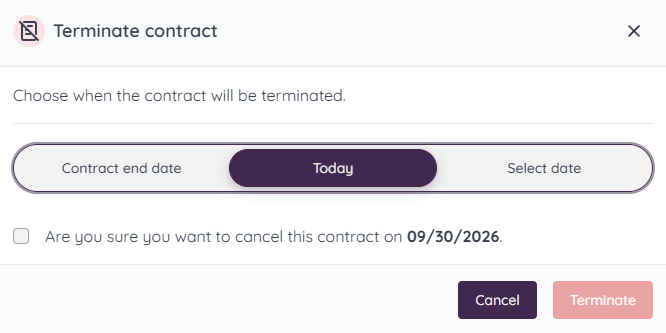
    Agreement can be terminated before the start date


    3. Variable Fields on Relations

    Relations can now contain configurable metadata fields. These Meta Entity Fields can be displayed and edited directly on a relation, allowing organizations to capture additional structured information about customers, suppliers, partners, or other related entities.
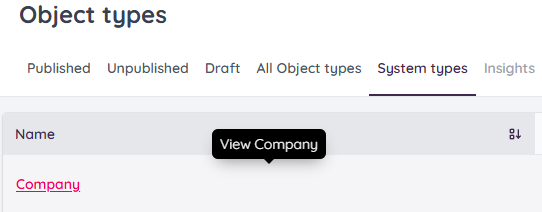
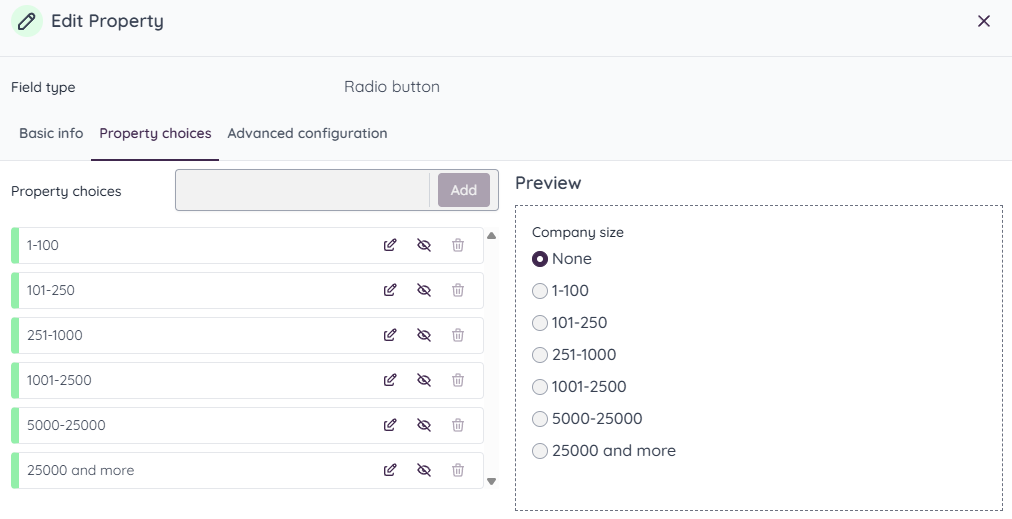
    System types in objects


    Overview about properties from system objects


    4. Add and Remove Contracts from a Portfolio

    Users can now add contracts to or remove contracts from a portfolio. This provides more flexibility in organizing contracts into relevant portfolios without changing the underlying contract information.
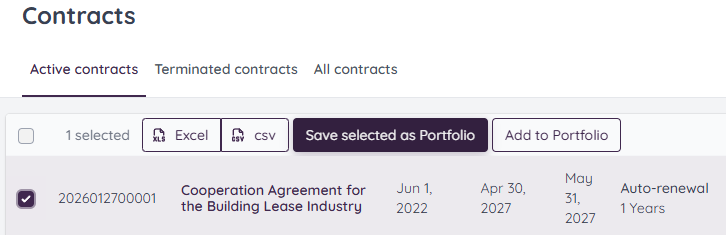
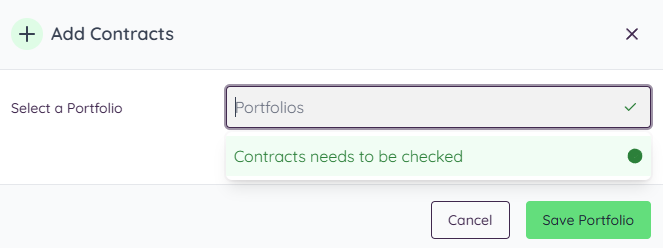
     

    Add contracts to a Portfolio


    Select a portfolio for these contracts


    5. Object Links in the Hierarchy

    Links associated with objects are now visible directly within the contract hierarchy. This makes the relationship between Contract, Subject and Task clearer and gives users faster access to linked information from the relevant level in the hierarchy.
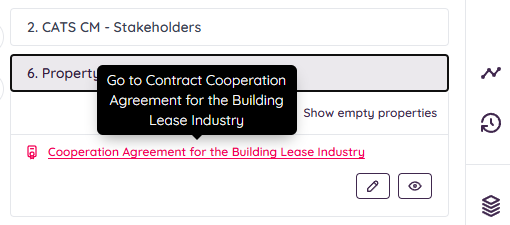

     

    Select the parent in the object in the contract


    Release Notes....

    Release notes 1.13

    This release introduces several enhancements that make Mochadocs Manage more flexible, structured, and easier to navigate.

    Release notes 1.12

    This release introduces several new features and usability improvements designed to make contract management more efficient and flexible.

    Release notes 1.11

    The release introduces the Meta Data Changer, enabling key users to reset OTP of users. This update improves task priority changes and statusses in overviews.

    Release notes 1.10

    The release introduces the Meta Data Changer, enabling users to reset metadata dates. This update improves data accuracy and gives better control over contract information management.

    Release notes 1.9

    With Object Templates you can now link structured data directly to your contracts. This makes contract information consistent, reusable, and easier to manage across the contract lifecycle.

    Release notes 1.8

    This release improves visibility, usability, and technical stability across the platform. Contract parties are now visible on tasks, subjects, documents, and financial data, so you always have direct insight into who is involved.

    Release notes 1.7

    This release focuses on making date handling and data export more predictable and more useful for you. The datepicker now always uses the timezone of the workspace, so selected dates no longer shift because of user or system timezone differences.