Skip to content

Release notes 1.9

Mochacos Release Notes 1.8

    Release Notes

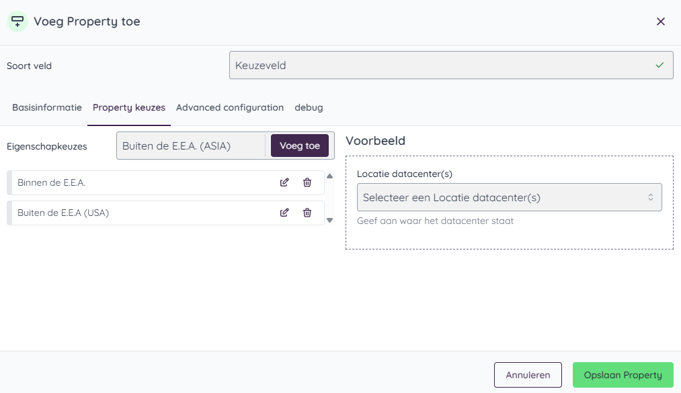
    With Object Templates you can now link structured data directly to your contracts. This makes contract information consistent, reusable, and easier to manage across the contract lifecycle.,

    This is the first step. In upcoming releases, we will expand Object Templates with additional functionality to give you more control, flexibility, and insight when working with contract data.
     

    Release Notes

    New Features 

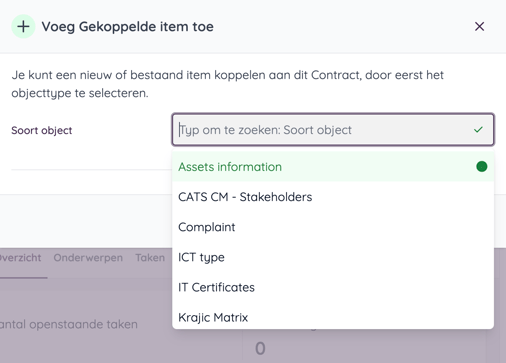
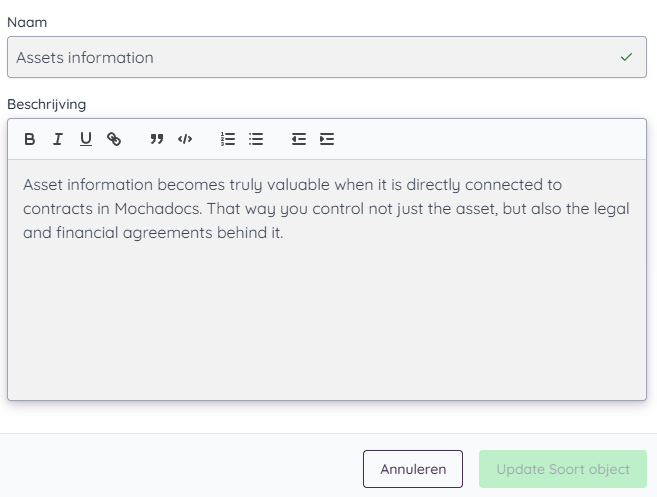
    Objecten Template Assets Information


    Geef de keuze opties aan en sla op


    Keuze maken voor het object


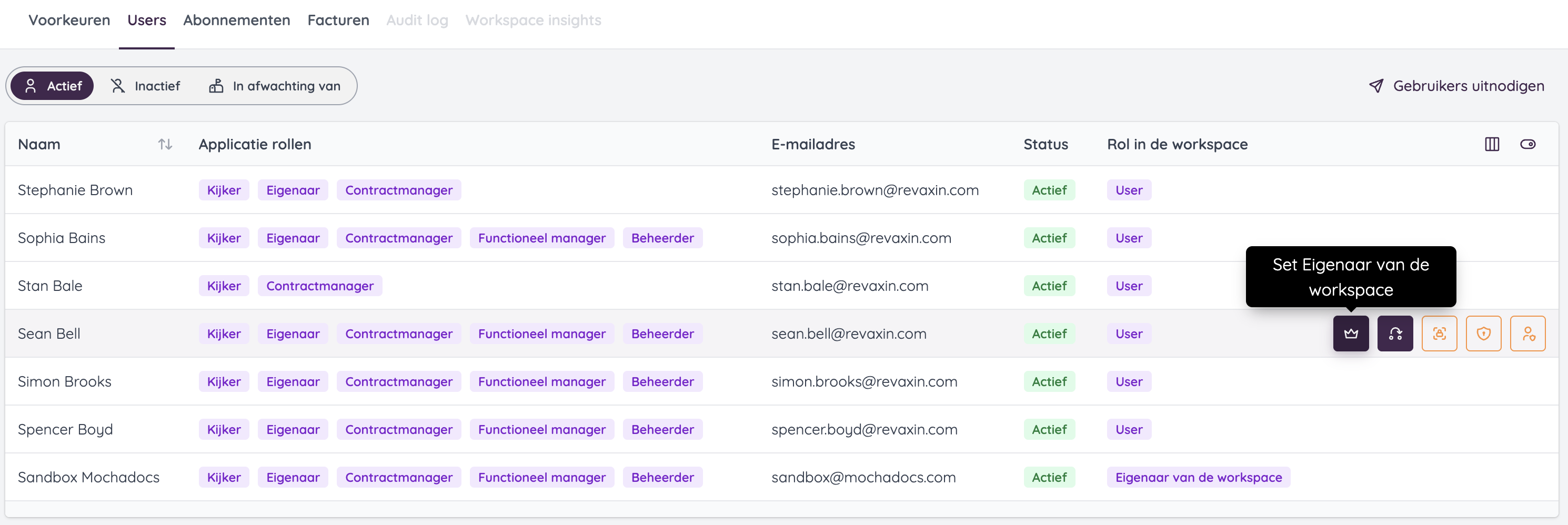
    Selecteer de nieuwe workspace eigenaar


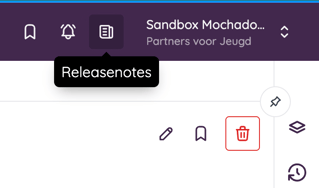
    Selecteer de toegang to de release notes rechts boven in de balk


    • Contract renewal for indefinite period
    • SSO Support

    Improvements

    • Faster and more predictable selections
    • Clearer email messages

    Bug Fixes

    • entity insight open-tasks result is only for that user•    Form validation issues
    • Problems with date fields, radio buttons, multi-select fields, and rich text inputs have been resolved.
    • More stable screen updates
    • Default settings when creating a contract template
    • Visually improved error handling
    • User language switching
    • Miscellaneous UI and UX fixes


    Release Notes....

    Release notes 1.9

    With Object Templates you can now link structured data directly to your contracts. This makes contract information consistent, reusable, and easier to manage across the contract lifecycle.

    Release notes 1.8

    This release improves visibility, usability, and technical stability across the platform. Contract parties are now visible on tasks, subjects, documents, and financial data, so you always have direct insight into who is involved.

    Release notes 1.7

    This release focuses on making date handling and data export more predictable and more useful for you. The datepicker now always uses the timezone of the workspace, so selected dates no longer shift because of user or system timezone differences.